
 Asset Store
Open navigation
React UI.
Built for Unity.
Build HUDs, menus, and overlays in React. ReLayer runs them inside Unity and carries messages between your interface and your game.
Supported player platforms.
- Windows
- macOS
- Android
- iOS
- WebGL
Inspect the UI
Unity is actually running.
Inspect and operate the active Unity WebView while Unity remains authoritative.
Click, type, scroll, hover, and drag are supported.
See Live Twin controls and limits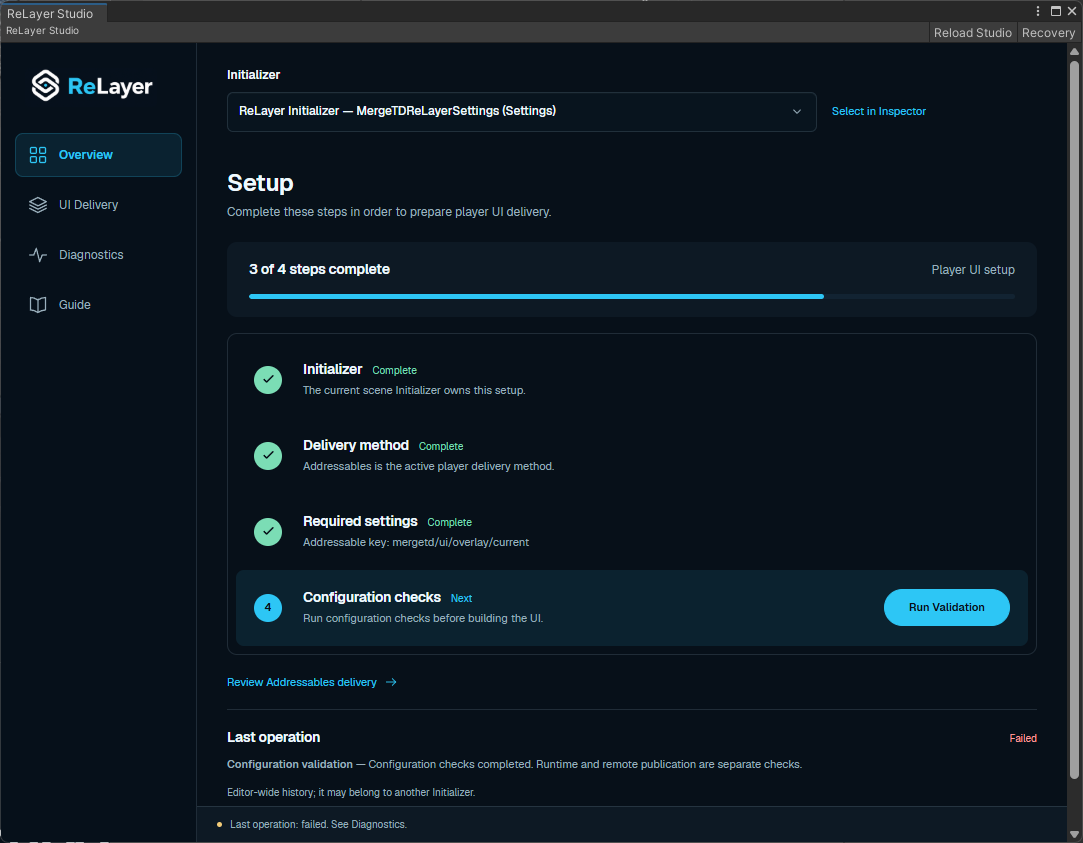
Bundled, hosted,
or installed for offline use.
Choose the delivery path in Studio. ReLayer verifies installed UI before safe activation and rollback.
Compare setup and safe-point behavior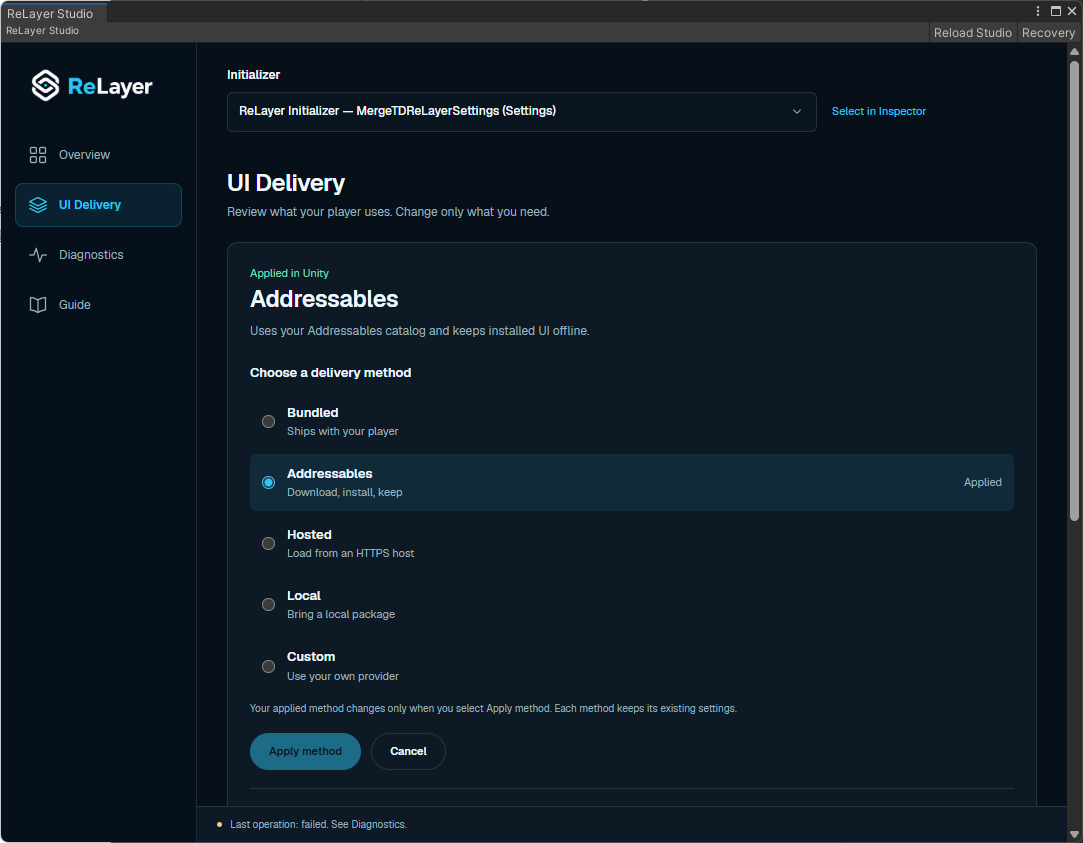
Before you start.
Source ownership, runtime dependencies, and the limits of UI-only updates.
Do I need to move my game to React?
No. Unity keeps your scenes, gameplay, assets, and game state. React handles the interface. Your Unity code handles the actions that the UI sends.
Can I edit the React source?
Yes. Your app lives in Assets/ReLayerUser. Change its components, styles, and themes; package updates do not overwrite it. Node.js is needed for editing and rebuilding, not for players.
Can I update UI without rebuilding the player?
Yes, after shipping a player that contains the delivery loader. Hosted selects immutable HTTPS releases; Addressables installs verified packages for offline reuse. C# and native changes still require a player release. Hot updates are not officially supported on WebGL.
Which platforms and architectures should I check?
Windows x64 uses WebView2. The packaged Apple backends target Apple Silicon macOS and arm64 iOS device/Simulator; Android includes arm64-v8a and x86_64. WebGL uses a browser DOM overlay. Check the platform requirements before purchasing.
Open the starter.
Send a message to Unity.
The setup guide walks through the project-owned scene, React source, and a real bridge round trip.